
YOUR QR CODE
Install the FixTech application on your own device. No security deposit.
No deposit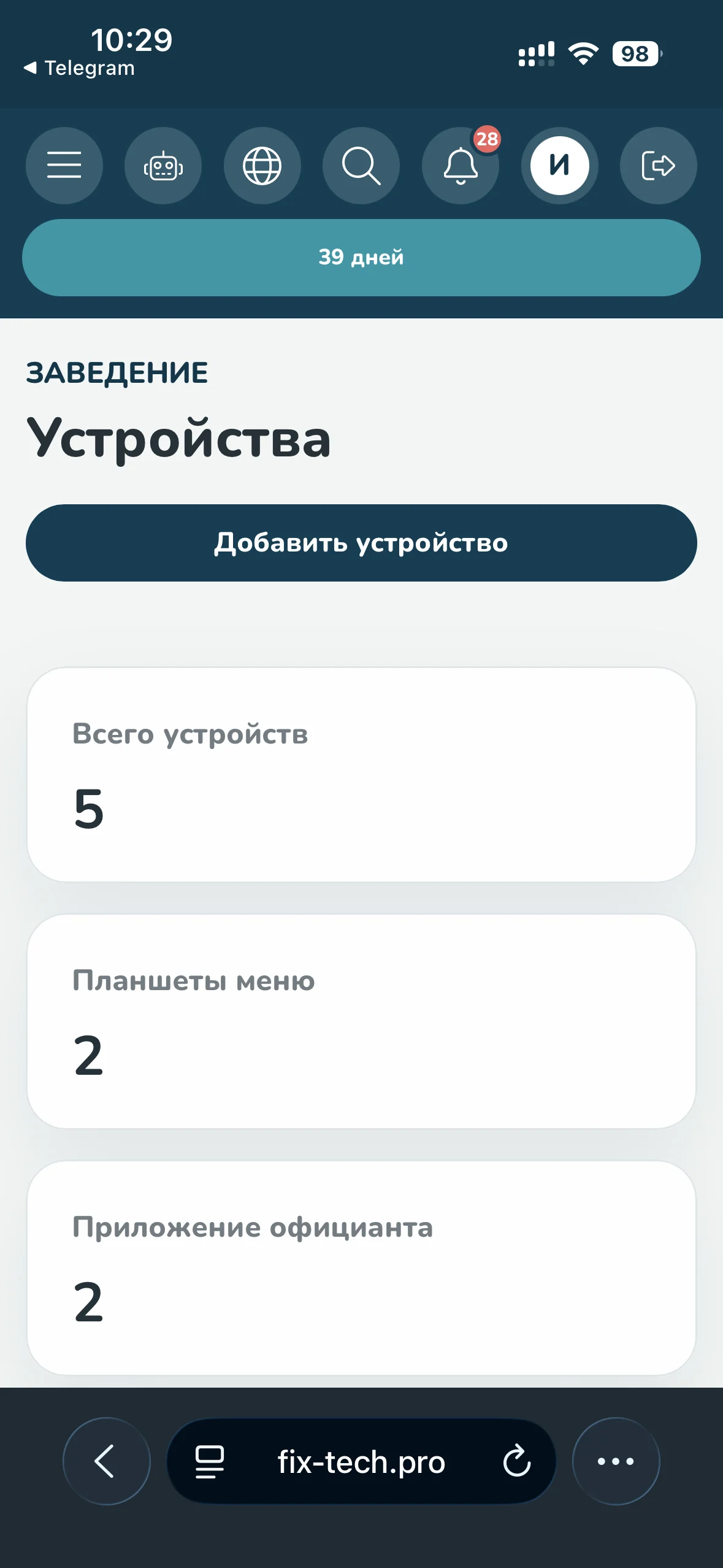
Manage orders, warehouse and personnel in one system. Connect the necessary tools to suit your business needs.
Install the FixTech application on your own device. No security deposit.
No depositGet a device with the app already installed. After 6 months, the security deposit expires and the device becomes yours.
Deposit 15 000 ₽Set with tablet and floor stand. The same conditions for the security deposit apply.
Deposit 20 000 ₽All options work within the framework of the “ QR code ” tariff for RUB 1,000 / month. Each additional cost is 500 ₽/month.
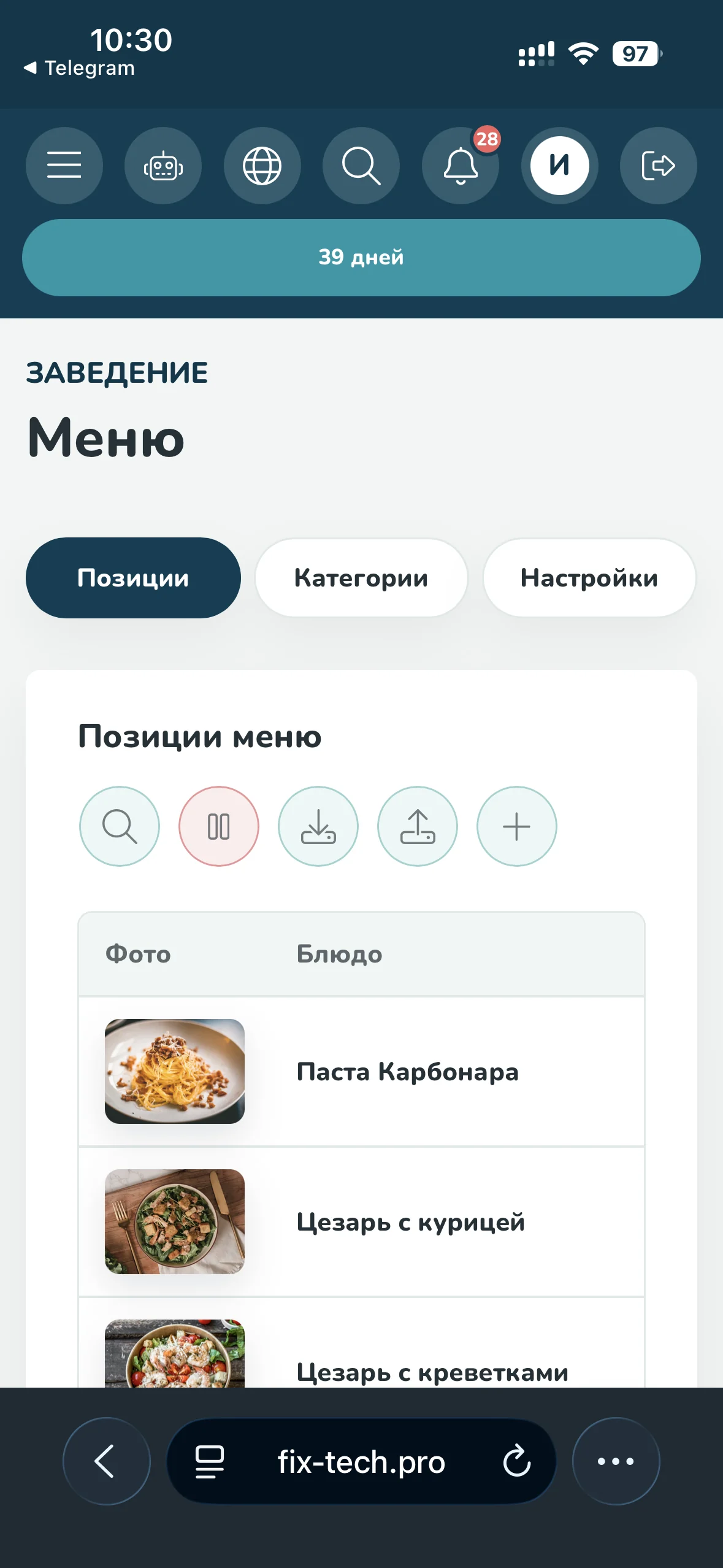
Categories, dishes, prices and menu publishing.
Restaurant · Menu, Restaurant · Tables, Restaurant · Orders
Operational notifications for the owner.
Notifications
Route orders to kitchens and workstations.
FixTech QR menu for cafes and restaurants: electronic catalog, order processing and table service. Study the plan structure and check the guest journey before connecting.
The guest scans the code with their phone and opens the menu via the link. For convenient selection, prepare categories, names of dishes, prices and approved descriptions. If an ordering workflow is connected, separately check its transmission to employees and assignment to the restaurant table. Viewing the catalog and accepting an order are different stages of setup.
Detailed check is available in the article how to make a QR code for a menu.
Current price, included features and additional modules are shown on this page. The site offers a 20-day trial to get to know the features. Further conditions depend on the selected plan. Do not consider the trial period to be free service indefinitely.
If the menu is updated at the same address, the code can be saved. When changing the link, you need to check the redirection or prepare new codes.
PDF is suitable for viewing menus, but does not replace the ordering process. Compare the options in the article free QR menu.
No. The code itself only opens the link. The required payment functions, provider conditions and availability in the country of operation are checked separately.
Discuss connecting a QR menu with FixTech or go to registration.